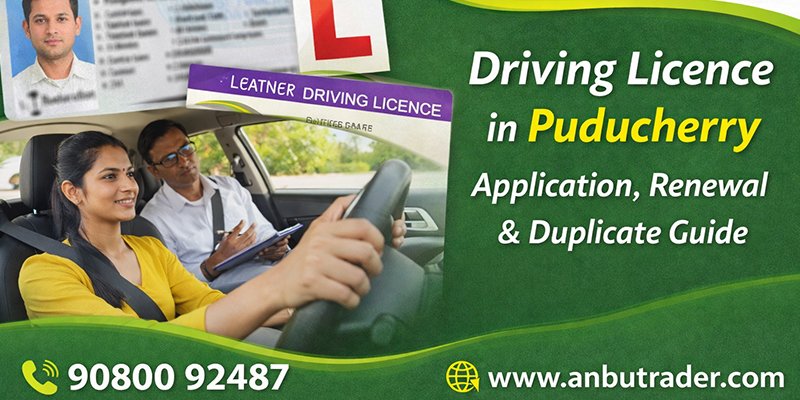
A driving licence is a legal requirement to operate any motor vehicle in India. In Puducherry, the Regional Transport Office (RTO) manages the complete driving licence process—from learner licence (LL) to permanent driving licence (DL), as well as renewal and duplicate licence issuance.
This guide explains every step clearly, including documents, tests, online application, and expert support options.
Types of Driving Licences in Puducherry
1. Learner Licence (LL)
A learner licence is the first step to obtaining a permanent driving licence. It allows you to learn driving under specific rules and supervision.
Eligibility:
Validity: 6 months
2. Permanent Driving Licence (DL)
After holding a learner licence for at least 30 days, you can apply for a permanent driving licence by passing the driving test conducted by the Puducherry RTO.
3. Driving Licence Renewal
Driving licences must be renewed after expiry (usually valid for 20 years or till age 50, whichever is earlier).
Renewal Timeline:
4. Duplicate Driving Licence
If your licence is lost, damaged, or stolen, you can apply for a duplicate driving licence.
Step-by-Step Driving Licence Application Process
Step 1: Online Application
Apply through the official Parivahan portal by selecting:
-
Learner Licence
-
Permanent Licence
-
Renewal
-
Duplicate Licence
Fill in personal details, upload documents, and book a test slot.
Step 2: Document Submission
Required documents include:
-
Address Proof
-
Age Proof
-
Passport-size photographs
-
Learner Licence (for permanent DL)
-
Medical Certificate (Form 1A – if applicable)
Step 3: Learner Licence Test
Applicants must pass a computer-based theory test, covering:
-
Road signs
-
Traffic rules
-
Safety regulations
Step 4: Driving Test
For permanent DL, the applicant must:
-
Drive the vehicle at the RTO test track
-
Demonstrate lane discipline, braking, and control
-
Follow traffic signals and instructions
Step 5: Licence Approval & Delivery
Once approved, the smart card driving licence is dispatched to your registered address.
Digital DL is also available via DigiLocker and mParivahan apps.
Driving Licence Renewal Process in Puducherry
Timely renewal ensures uninterrupted legal driving rights.
Duplicate Driving Licence Procedure
To apply for a duplicate DL:
-
Submit application with reason (lost/damaged)
-
Provide FIR copy (if lost)
-
Upload ID proof
-
Pay duplicate licence fee
Duplicate DL is issued after verification.
Common Reasons for Licence Delays
-
Incorrect documents
-
Failed driving test
-
Incomplete application
-
Missed test appointment
How RTO Agents Help in Puducherry
Professional RTO agents simplify the driving licence process by:
This is ideal for working professionals, seniors, and first-time applicants.
Important Tips for Driving Licence Approval
Final Words
Getting a driving licence in Puducherry is easy when you understand the process and follow the rules correctly. Whether you’re applying for a learner licence, permanent licence, renewal, or duplicate DL, proper guidance ensures faster and hassle-free approval.
🚦 Need expert help with driving licence services in Puducherry?
Professional RTO assistance can manage everything—from application to delivery—smoothly and legally.
📍 Contact – RTO Agent in Puducherry
Anbuazhagan R
RTO Agent – Puducherry
📧 Email: Ranbazhagane@gmail.com
📞 Phone: +91 90800 92487
📍 Address:
#1, Iyyanar Koil Street,
Sivalingapuram, Puducherry
🔘 View Location




Comments (0)